

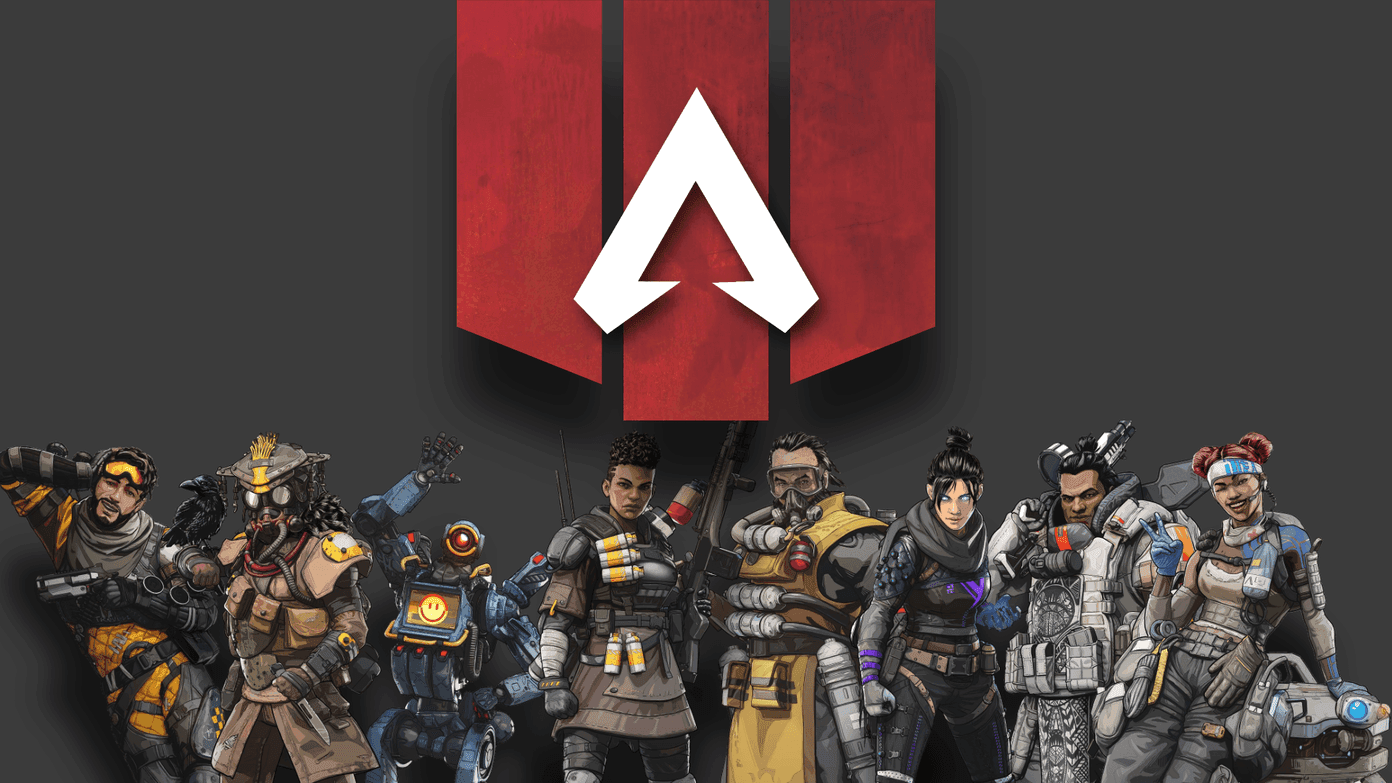
The Apex Legends meta in 2026 favors legends with strong mobility, team utility, and loadouts capable of delivering fast bursts of damage. For competitive players in the United States, however, legend choice and weapon performance are only part of the equation. Ping, jitter, packet loss, routing, and frame stability can directly affect how consistent close-range fights feel.
Apex Legends operates with a relatively low server update frequency compared with some competitive shooters. Because of this, unstable latency and sudden network spikes can become particularly noticeable during fast engagements.
For US players, connection quality can also vary depending on the ISP, server region, network congestion, and route taken between the player and the game infrastructure.
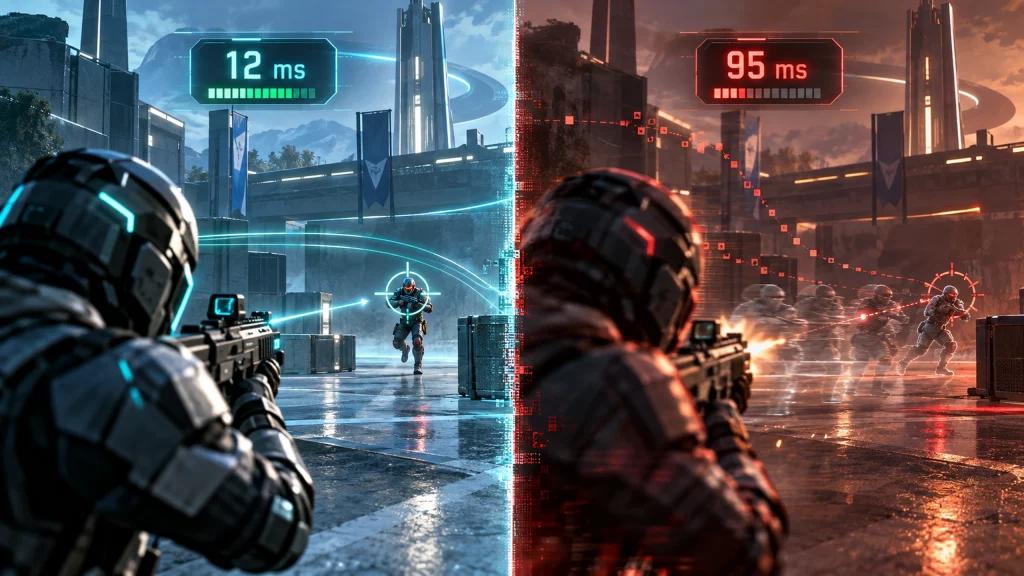
Why Connection Stability Matters in the Apex Legends Meta
Fast-paced fights put additional pressure on connection stability. Legends built around rapid repositioning, aggressive pushes, and quick escapes can create engagements where even short latency spikes become noticeable.
Mobility-focused legends such as Octane, Pathfinder, Horizon, and Valkyrie can rapidly close the distance between squads. Defensive legends such as Caustic, Wattson, and Catalyst generally encourage slower engagements and more controlled positioning.
The experience can also vary across major US internet providers, including:
- Xfinity
- Spectrum
- AT&T Fiber
- Verizon Fios
- T-Mobile Home Internet
- CenturyLink / Quantum Fiber
- Cox
- Optimum
Routing quality depends on location, congestion, server destination, ISP peering, and time of day. A high-speed internet plan therefore does not automatically guarantee stable latency in every match.
Best Apex Legends Characters for Ranked in 2026
S Tier: Strong Ranked Choices
Conduit
Conduit combines support capabilities with mobility and works particularly well in coordinated squads. Her kit can help teams maintain pressure while recovering during engagements.
Newcastle
Newcastle provides defensive tools that can protect teammates without forcing the squad into an entirely passive playstyle. His abilities are valuable during revives, rotations, and contested positions.
Bangalore
Bangalore remains a versatile ranked option thanks to her smoke abilities, mobility, and ability to disrupt enemy sightlines.
Catalyst
Catalyst specializes in controlling space and restricting enemy movement. Her defensive utility can be particularly useful during rotations and late-game positioning.
A Tier: Strong but More Situational
Octane
Octane excels at quickly starting or escaping engagements. His aggressive movement can be highly effective, although rapid close-range fights make network instability easier to notice.
Wraith
Wraith offers strong repositioning and escape options. Players who frequently initiate aggressive fights benefit from consistent latency and responsive movement.
Horizon
Horizon combines mobility with battlefield control, making her useful for vertical positioning and aggressive squad movement.
Valkyrie
Valkyrie remains valuable for rotations and repositioning, particularly for squads that prioritize map movement and strategic positioning.
B Tier
Strong situational options include:
- Bloodhound
- Crypto
- Loba
- Lifeline
Their effectiveness depends heavily on squad composition, map conditions, player strategy, and the current balance of the game.
Best Apex Legends Loadouts in 2026
Weapon balance can change with patches and seasons, so players should always consider the current in-game balance when choosing a loadout.
Burst-Damage Loadouts
R-301 + 30-30 Repeater
A flexible combination for players who want reliable control at medium range while maintaining versatility during closer engagements.
Volt + EVA-8
Designed for aggressive close-range fights where movement and quick damage output are priorities.
Sustained-Damage Loadouts
Flatline + Mozambique
A flexible setup capable of handling multiple engagement distances depending on current attachments and weapon balance.
Devotion + Wingman
Combines sustained damage potential with a secondary weapon suited to accurate, high-impact shots.
How NoPing Can Help Stabilize Apex Legends Connections
NoPing focuses on optimizing the network route between the player's connection and the game server.
Multi Connection
Multi Connection uses up to five parallel routes and dynamically evaluates available paths.
Instead of relying exclusively on the default route selected by the ISP, route optimization can help reduce the impact of congestion or inefficient routing when a better alternative path is available.
Potential improvements depend on factors such as:
- ISP
- Player location
- Game server
- Network congestion
- Time of day
- Existing route quality
Multi Internet
Multi Internet can use up to six available internet connections in parallel.
This can be useful in environments where a single connection experiences instability, packet loss, or congestion. The connections operate simultaneously rather than functioning only as a traditional backup connection.
Boost FPS
Boost FPS focuses on reducing unnecessary background resource usage and improving system resource availability while gaming.
Its effect depends on the player's hardware, operating system, background applications, and existing system configuration. Players with systems already maintaining stable frame rates may notice less difference than those experiencing CPU or background-process limitations.
Apex Legends, US ISPs and Routing
Connection behavior can differ significantly between providers and locations.
Xfinity: Routing quality can vary by region and destination. Alternative routes may help when the default path becomes congested.
Spectrum: Performance can vary between metropolitan areas, particularly during periods of high network usage.
AT&T Fiber: Fiber connections can provide strong baseline performance, although routing can still vary depending on the game server destination.
Verizon Fios: Often provides strong fiber connectivity where available, but cross-region routing can still introduce additional latency.
T-Mobile Home Internet: Wireless network conditions, tower congestion, and signal quality can introduce greater latency variation than a stable wired connection.
CenturyLink / Quantum Fiber, Cox and Optimum: Results depend on local infrastructure and routing. Testing alternative routes can help determine whether the default ISP path is contributing to instability.
Does Internet Speed Determine Apex Legends Performance?
No. Raw download speed is only one part of online gaming performance.
For competitive matches, monitor:
- Ping
- Jitter
- Packet loss
- Latency spikes
- Route stability
- Frame-time consistency
A stable 100 Mbps connection can provide a better gaming experience than a much faster connection suffering from packet loss or large latency fluctuations.
How to Test NoPing With Apex Legends
For a useful comparison, keep the test conditions as similar as possible.
Play several matches without route optimization and record your average ping, jitter, packet loss, and noticeable latency spikes.
Then enable NoPing and repeat the test using a similar server region, game mode, map rotation, and time of day.
Compare the measurements rather than relying only on how the connection feels.
For longer tests, players can also track:
- Average damage
- K/D
- Rank progression
- Connection interruptions
- Frame-time spikes
Gameplay statistics are influenced by many factors, so they should not be treated as direct proof of a networking improvement.
NoPing vs ExitLag for Apex Legends
The most useful way to compare NoPing and ExitLag is through testing under the same conditions.
Compare:
- Average ping
- Jitter
- Packet loss
- Latency spikes
- Route stability
- Performance during peak hours
- Stability during competitive fights
Results can vary considerably by ISP, location, game server, and time of day. The service producing the lowest advertised ping is not necessarily the one providing the most stable connection for a particular player.
Try NoPing With Apex Legends
Players can test NoPing with Apex Legends and compare their connection before and after enabling route optimization.
NoPing supports more than 3,000 games and combines Multi Connection, Multi Internet, and Boost FPS in a single client.
A 1-day free trial allows players to measure their own results before deciding whether the optimized route improves their connection.
Performance varies according to ISP, location, server region, network conditions, and time of day.
Frequently Asked Questions
Does NoPing change the Apex Legends meta?
No. NoPing does not modify character balance, weapons, matchmaking, or game mechanics.
Its role is network route optimization. A more stable connection can make fast engagements feel more consistent when the player's original route suffers from jitter, packet loss, or latency spikes.
Should I choose my Apex main based on my internet connection?
Your main should primarily match your preferred playstyle and team composition.
However, unstable latency can be more noticeable when playing characters that depend heavily on fast movement, aggressive pushes, or precise timing.
Improving connection stability is generally preferable to changing characters solely because of network problems.
Can NoPing improve my K/D?
NoPing cannot guarantee a higher K/D.
K/D depends on aim, positioning, decision-making, opponents, teamwork, matchmaking, and network conditions. Route optimization addresses only the network component.
Does NoPing affect Apex Legends matchmaking?
No. Route optimization does not directly change your rank, match history, or matchmaking performance data.
Can NoPing change my Apex Legends server?
NoPing optimizes the network path available to the game connection. Server and matchmaking behavior remain controlled by the game's infrastructure.
Does Boost FPS improve competitive gameplay?
It can help systems experiencing frame instability caused by resource contention or unnecessary background processes.
Results depend on hardware and system configuration, so measuring frame time and FPS before and after enabling the feature provides a more reliable comparison.

Does NoPing work for controller players?
Yes. Network route optimization is independent of whether the player uses a controller or mouse and keyboard.
Stable latency can matter for movement, combat timing, audio information, rotations, and other network-dependent interactions regardless of the input method.
How should I compare Apex Legends performance with and without NoPing?
Use comparable test conditions.
Play multiple matches at approximately the same time of day, preferably using the same server region and similar game modes. Record ping, jitter, packet loss, and latency spikes before and after enabling NoPing.
Does Apex Legends depend only on internet speed?
No. ISP routing, jitter, packet loss, congestion, server location, and peering can be as important as raw connection speed.
Can NoPing guarantee lower ping?
No. Results depend on the player's existing ISP route, physical location, game server, congestion, and time of day.
Route optimization is most useful when an alternative path performs better than the ISP's default route.
What should I monitor besides ping?
Monitor jitter, packet loss, latency spikes, route stability, and frame time.
A connection with slightly higher but stable ping can sometimes provide a more consistent experience than one with a lower average ping but frequent spikes.
When should I test another route?
Consider retesting after:
- Changes in ISP performance
- Persistent latency spikes
- Server maintenance
- Major game updates
- Changes in server region
- Peak-hour congestion
Network routes are dynamic, so a route that performs well today may not always remain the best option.