

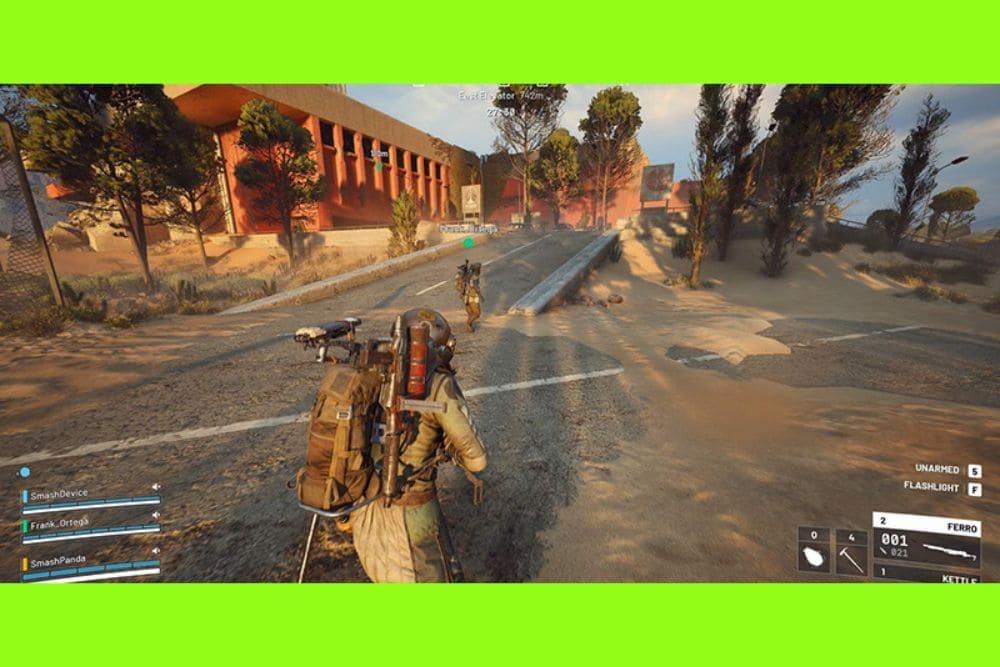
When ARC Raiders feels unstable, the game server itself is not always the source of the problem. High ping, packet loss, lag spikes, jitter, and unexpected disconnects can also originate somewhere between your home network, ISP, transit providers, and the game server region.
For US players, common causes include:
- Poor ISP peering or inefficient routing
- Network congestion during peak hours
- Packet loss along intermediate network hops
- Regional infrastructure or transit-provider instability
- Local Wi-Fi or home-network problems
- Temporary issues affecting the game servers
Before changing your connection settings, determine where the instability is actually happening.
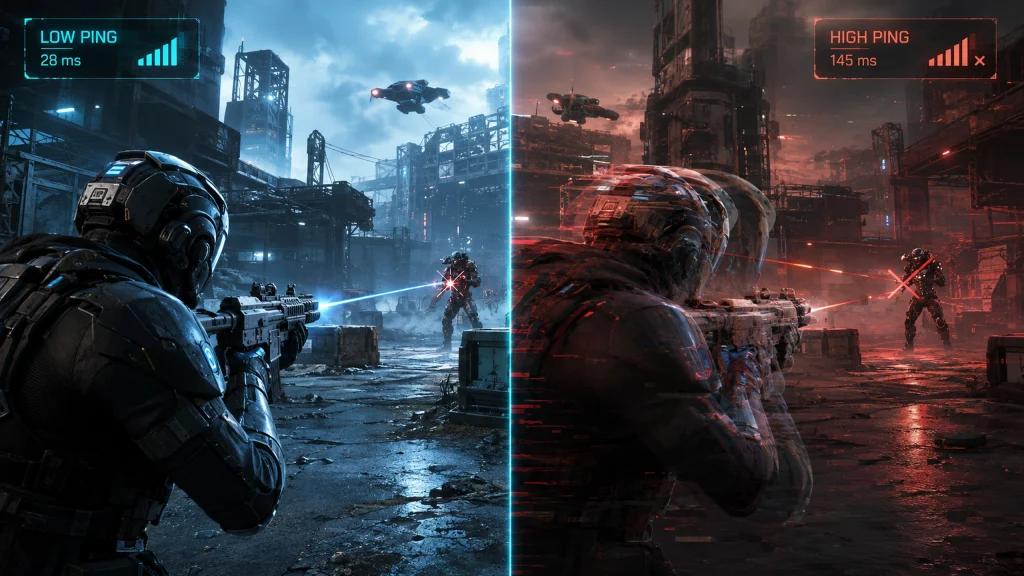
How to Tell Whether ARC Raiders Servers Are Down
Check official server information first
Start by checking ARC Raiders and Embark's official communication channels for maintenance, outages, or acknowledged connectivity problems.
If many players are experiencing the same issue at the same time, a server-side incident becomes more likely.
If there is no widespread outage, investigate your own network path.
Check ping, packet loss, and jitter
Use a network diagnostic tool such as PingPlotter or an equivalent utility to monitor the connection.
Pay attention to:
- Median ping
- Ping spikes
- Jitter
- Packet loss
- Changes in the network route
A consistently low ping can still produce a poor experience when jitter or packet loss is high.
Compare peak and off-peak hours
Run the same tests at different times of day.
If ARC Raiders becomes unstable primarily during evening peak hours but improves when network demand drops, congestion or ISP routing may be contributing to the problem.
How to Fix ARC Raiders Lag and Connection Problems
Optimize the route to the game server
The default route selected by an ISP is not necessarily the most stable route available.
NoPing can test alternative network paths between the player and the game server. Depending on the player's ISP, location, server region, and current network conditions, an alternative route may provide better latency stability, jitter, or packet-loss performance.
Use Multi Connection
NoPing Multi Connection uses multiple routes to increase path diversity.
This can be useful when the default network path suffers from intermittent packet loss, unstable peering, or route congestion. Results vary depending on the connection and current network conditions, so performance should be measured before and after activation.
Use Multi Internet when multiple connections are available
Players with access to more than one internet connection can use Multi Internet to add connection diversity.
This can be especially relevant for connections that experience variable latency or temporary instability.
Check local performance separately
Network optimization and PC performance are different issues.
If the connection is stable but ARC Raiders still stutters or suffers from FPS drops, investigate:
- CPU and GPU utilization
- Background applications
- Windows processes
- Drivers
- Game graphics settings
- Thermal throttling
NoPing's Boost FPS feature can help manage background resource usage, but it cannot compensate for every hardware or software bottleneck.
ARC Raiders Connection Problems on US ISPs
Connection quality can vary significantly even between customers of the same provider. Infrastructure, regional routing, local congestion, and the route toward the game server can all affect performance.
Players using providers such as Comcast Xfinity, Spectrum, AT&T Fiber, Verizon Fios, T-Mobile Home Internet, Cox, Optimum, CenturyLink, and Quantum Fiber should evaluate their actual connection rather than assuming raw download speed determines gaming performance.
Cable internet
Cable connections may experience greater variation when local network demand increases. Monitor latency and packet loss during different periods of the day.
Fiber internet
Fiber generally provides a strong local connection, but inefficient external routing or transit problems can still affect the path to a game server.
5G home internet
Fixed wireless connections can experience greater latency variation depending on signal conditions, tower congestion, and wireless-network behavior.
For gaming, consistency matters alongside average ping.
How to Test NoPing With ARC Raiders
Establish a baseline before enabling route optimization.
- Play or test ARC Raiders under normal network conditions.
- Record median ping, jitter, packet loss, and noticeable spikes.
- Activate NoPing and select an appropriate route for the game.
- Repeat the test under similar conditions.
- Compare the results.
Testing the same server region, similar time period, and similar gameplay scenario produces a more useful comparison.
NoPing supports more than 3,000 games and offers a 1-day free trial, allowing players to test whether route optimization improves their specific connection.
NoPing vs ExitLag for ARC Raiders
Choosing between NoPing and ExitLag should be based on measured performance rather than an advertised ping number.
Compare both services under similar conditions and monitor:
- Median ping
- Jitter
- Packet loss
- Ping spikes
- Route stability
- Connection consistency during gameplay
The best result can vary by ISP, location, server region, and time of day.
Ping, Jitter, Packet Loss, and FPS: What's the Difference?
These metrics describe different performance problems.
Ping measures how long data takes to travel between your device and the server.
Jitter measures how much latency changes over time. High jitter can make a connection feel unstable even when average ping looks acceptable.
Packet loss occurs when network packets fail to reach their destination. It can contribute to freezes, rubber-banding, delayed actions, or disconnects.
FPS measures how quickly your PC renders frames. Low FPS is primarily a local performance problem rather than a network-routing problem.
Route optimization can help when the network path is the bottleneck, but it does not fix overloaded Wi-Fi, hardware limitations, or genuine game-server outages.
ARC Raiders Server and Connection FAQ
Is ARC Raiders down, or is my ISP causing the problem?
Check official ARC Raiders or Embark communications first. If there is no reported outage, compare ping, jitter, packet loss, and route behavior to determine whether the problem may be occurring along your connection.
Does internet speed determine ARC Raiders ping?
No. Raw download speed is only one part of the connection. Distance to the server, ISP routing, peering, congestion, jitter, and packet loss can significantly affect online gaming.
Can NoPing fix an ARC Raiders server outage?
No. Route optimization works on the network path between the player and the destination. It cannot repair an unavailable or overloaded game server.
Can NoPing guarantee lower ping in ARC Raiders?
No. Results depend on the ISP, location, server region, network conditions, and available routes. The best way to evaluate the result is to compare the same connection before and after optimization.
Why does ARC Raiders lag only at night?
If performance consistently deteriorates during busy evening hours, local congestion, ISP congestion, or changes in upstream routing may be contributing factors.
Compare your connection at peak and off-peak hours to identify the pattern.

Why does another player on the same ISP have better performance?
Two customers of the same ISP can still use different local infrastructure or network paths. Wi-Fi conditions, equipment, neighborhood congestion, regional routing, and server selection can produce different results.
What should I monitor besides ping?
Monitor jitter, packet loss, latency spikes, and route stability. A stable 40 ms connection can provide a better experience than a connection averaging 25 ms but frequently spiking much higher.
How do I test whether NoPing is improving my connection?
Record a baseline first, enable NoPing, and repeat the test under comparable conditions. Compare median ping, jitter, packet loss, spikes, and overall connection stability.
Should I compare NoPing with ExitLag?
Yes, if you are deciding between route-optimization services. Test them under comparable conditions and evaluate actual connection stability instead of relying only on advertised latency.
Does route optimization interfere with anti-cheat?
Network route optimization should not modify game files or attempt to bypass anti-cheat systems. Players should use supported software normally and keep both the game and anti-cheat components updated.
When should I test another route?
Consider retesting after noticeable ISP instability, network maintenance, game updates, server-region changes, or when a previously stable route begins showing higher jitter, packet loss, or latency spikes.