

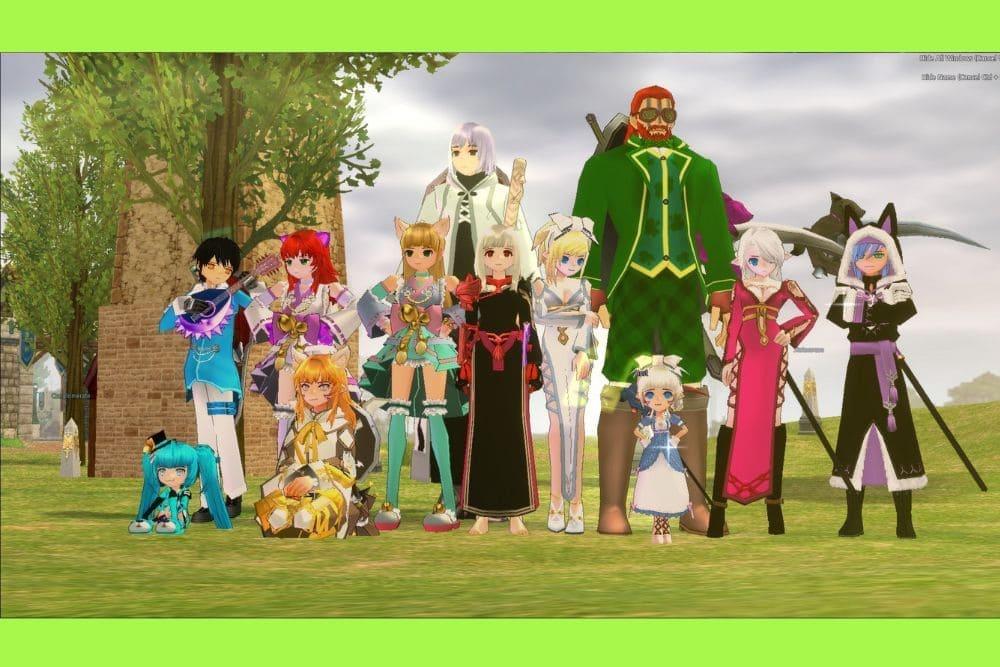
If you want to multibox Mabinogi, you have likely realized that the landscape of Erinn has changed significantly over the last few years.
For a long time, the community relied on multiple clients to manage shops, increase drop rates, or simply have a personal healer following them around.
However, as of early 2024, Nexon implemented strict technical barriers to prevent this practice on a single machine.
Today, we will look at the current state of multi-clienting, what the rules say, and how you can manage your connection to stay competitive without risking your account.
What exactly is multiboxing in the context of Mabinogi?
Multiboxing is the practice of running multiple instances of the game at the same time, usually to control different characters simultaneously.
In Mabinogi, this often means having one "main" character for combat and several "alt" characters for support.
These secondary accounts are frequently used as "mules" to carry extra inventory, as stationary shopkeepers in Dunbarton, or as extra party members to trigger better rewards in dungeons.
In the past, players used various methods to bypass the launcher's restrictions, such as using third party software or virtual machines.
This allowed them to populate their own parties or fill up a house with multiple characters to maximize efficiency.
While this was a common sight for over a decade, the developer's stance has shifted toward a more unified, single-client experience to maintain server stability and game balance.
Also read: The Best Enchantments for Wings in Mabinogi
Is multiboxing currently allowed by Nexon?
No, running multiple clients on a single device is officially blocked and against the Terms of Service.
In January 2024, Nexon updated its security measures to automatically shut down any additional instances of the game beyond the first one.
This means that if you try to open a second Mabinogi window on the same PC through normal means, the game will simply close.
The official stance is clear: bypassing these restrictions using mods, specialized launchers, or third party programs is a bannable offense. Nexon has stated that these measures were necessary to prevent "abnormal play patterns" that could negatively impact the economy and server performance.
While having multiple accounts is not strictly forbidden, playing them at the exact same time on one computer is now technically restricted and legally discouraged by the official Mabinogi support team.
Why do players still try to use multiple accounts in Erinn?
Players use multiple accounts primarily to overcome inventory limitations and to maximize the efficiency of timed events.
Despite the "Re:fine" system updates aimed at improving solo play rewards, having extra characters still provides tangible benefits that are hard to ignore for veteran players.
- Extra Storage: With the massive amount of items, reagents, and equipment in Mabinogi, "mule" accounts are used to hold items that don't fit in the main character’s bank.
- Personal Shops: Setting up a shop in a high traffic area like Dunbarton requires a character to remain stationary. Multiboxing allowed players to sell goods while still adventuring on their main.
- Party Minimums: Some older content or specific events traditionally required a certain number of players to enter or to receive maximum chests.
- Buffs and Support: Having a secondary character with high level Bard skills or healing can make difficult solo runs much more manageable.
How can you safely manage multiple accounts today?
The only safe and "legal" way to run multiple accounts today is by using separate physical devices.
Because the restriction is tied to the hardware and the specific instance of the operating system, using two different laptops or a PC and a laptop allows you to have two characters online without bypassing the security software of the client.
If you decide to go this route, follow these steps to ensure you stay within the safe zone:
- Use two entirely separate computers or laptops.
- Log in with different Nexon accounts on each device.
- Avoid using any software that "mirrors" inputs from one keyboard to both machines, as this is considered automation and is strictly prohibited.
- Ensure both devices have a stable connection to prevent desync issues between your characters.
By using physical hardware instead of software workarounds, you are not modifying the game client, which is the primary trigger for most bans.
However, remember that Nexon still monitors for bot-like behavior, so playing manually on both devices is essential.
Also read: Mabinogi Error Code 18: How to Fix it [Easy Guide]
How can NoPing help with your Mabinogi experience?
NoPing helps by optimizing the route your data takes from your home to the Mabinogi servers, which is especially important if you are managing more than one connection.
When you use NoPing, the software searches for the shortest and most stable path, bypassing congested internet nodes that cause lag.
If you are playing on two laptops, for example, NoPing can ensure that both devices maintain a low ping, preventing one character from lagging behind while the other moves smoothly.
This stability is crucial during high stakes activities like Tech Duinn raids or Glenn Bearna, where a single second of delay can lead to a party wipe.
Play Mabinogi without lag. Download NoPing now and start your free trial!