

A good Call of Duty US setup means a stable ISP (AT&T Fiber, Verizon Fios, Comcast Xfinity, Spectrum, T-Mobile Home Internet, Quantum Fiber, Cox, or Optimum), the correct server region, a wired connection whenever possible, and consistent measurements of ping, jitter, packet loss, and frame time. Route optimization tools such as NoPing may help in some scenarios, but only after you establish a reliable baseline.
Before Changing Anything
Before blaming your ISP or installing optimization software, verify that the problem is not on Activision's side.
Start by checking the official Activision Online Services status page. If servers are experiencing degraded performance or maintenance, no local tweak will solve the issue.
Once services are confirmed operational:
- Connect your PC or console through Ethernet.
- Pause Windows updates, Steam downloads, cloud synchronization, OneDrive, Google Drive, Dropbox, and video streaming.
- Play one complete match using your normal settings.
- Record ping, jitter, packet loss, and FPS.
- Repeat the same test at approximately the same time of day if you plan to compare different routes or network settings.
Always compare identical conditions. Different playlists, server populations, or peak-hour congestion can produce completely different results.
What "Lag" Actually Means in Call of Duty
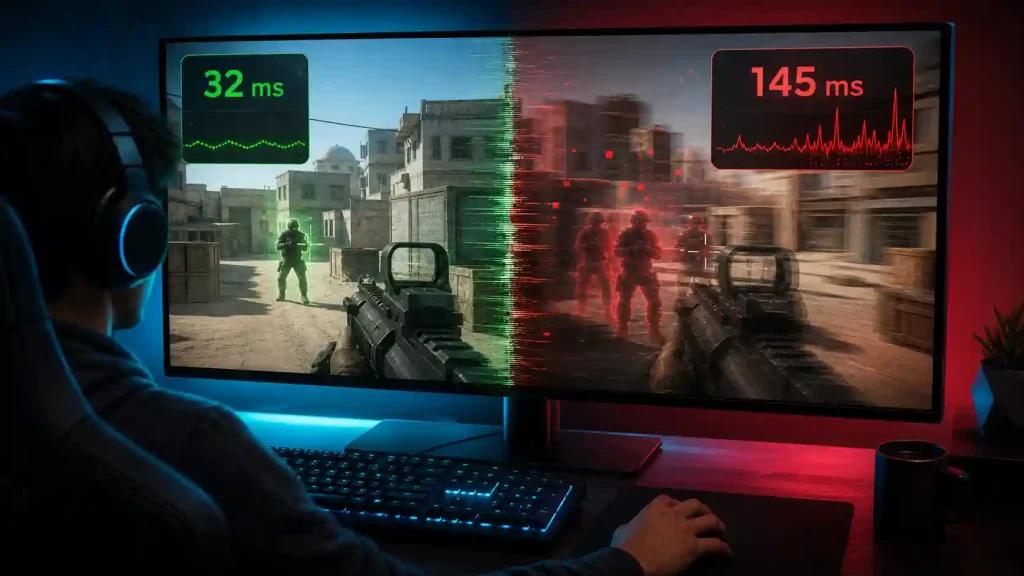
Many players call every performance problem "lag," but several different issues can create a similar feeling.
Ping
Ping measures the round-trip delay between your device and the game server.
Lower values generally produce faster input response.
Jitter
Jitter measures how much latency fluctuates over time.
A connection averaging 30 ms with 15 ms of jitter usually feels worse than a stable 45 ms connection.
High jitter is one of the main causes of inconsistent hit registration and rubber-banding.
Packet Loss
Packet loss occurs when network packets never reach their destination.
Symptoms include:
- Players teleporting
- Delayed hit markers
- Missing audio events
- Rubber-banding
- Unexpected disconnects
FPS and Frame Time
FPS is generated locally by your CPU and GPU.
A system dropping from 180 FPS to 90 FPS with poor frame pacing can feel similar to network lag even if the internet connection is perfect.
If your connection metrics remain stable but gameplay still feels inconsistent, inspect frame time, CPU utilization, shader compilation, storage performance, and background applications before changing network settings.
Build a Clean Test Environment
For meaningful results:
- Use Ethernet whenever possible.
- Stop large uploads and downloads.
- Disable unnecessary overlays and recording software.
- Avoid testing during router firmware updates or heavy household internet usage.
- Test the same playlist under similar server load.
Restart your router only if it has been unstable. Rebooting healthy equipment repeatedly rarely improves routing.
Optimize the Local Network First
Many networking problems originate inside the home rather than at the ISP.
If Wi-Fi is unavoidable:
- Stay close to the router.
- Use the 5 GHz or Wi-Fi 6 band when appropriate.
- Avoid congested wireless channels.
- Minimize simultaneous uploads.
Queue-management (QoS/SQM) features can improve responsiveness in busy households, but results depend on router hardware and proper configuration.
Changing DNS servers may help account login or name resolution, but it normally does not shorten the route used during an active multiplayer match.
Port forwarding should only follow Activision's current documentation and should never expose unnecessary services.
ISP Choice Reality Check for US CoD in 2026
AT&T Fiber and Verizon Fios continue to provide some of the most consistent routing toward AWS-hosted Call of Duty infrastructure, particularly for players connecting to eastern US regions.
Comcast Xfinity remains widely available but can experience localized congestion during evening peak hours.
Spectrum shows similar behavior depending on regional backbone utilization.
T-Mobile Home Internet offers excellent availability but generally exhibits higher jitter because of wireless access characteristics.
Quantum Fiber (formerly CenturyLink Fiber) performs well in many western markets.
Cox delivers solid performance in many southwestern cities, while Optimum users occasionally report higher latency spikes during busy periods.
Individual experiences vary by city, neighborhood, local infrastructure, and time of day.
Choosing the Correct Server Region
In general:
- East Coast players should prioritize eastern US matchmaking regions.
- West Coast players should prioritize western US regions.
- Central US players may receive servers located in Texas or the Midwest depending on playlist availability.
Selecting the physically closest region often reduces latency, although matchmaking, player population, and server allocation can influence the final location.
When Route Optimization Makes Sense
If repeated tests show that your local network is stable but your ISP consistently takes inefficient or unstable routes, a routing service may help improve connection quality.
No routing software can guarantee lower ping because results depend on:
- ISP routing
- Geographic location
- Game server assignment
- Time of day
- Internet congestion
Establish a baseline first.
Then compare:
- Average ping
- Jitter
- Packet loss
- Connection stability
- Number of disconnects
using the same device, same region, same playlist, and similar hours.
NoPing Multi Connection and Multi Internet
For users whose ISP routing is inconsistent, NoPing offers several network optimization features.
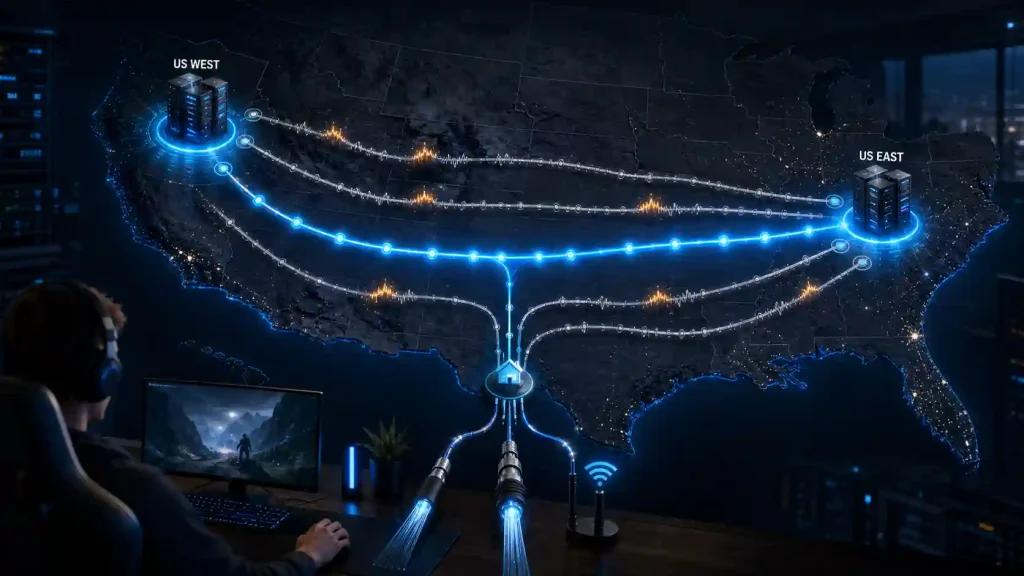
Multi Connection simultaneously evaluates five AI-optimized routes and dynamically selects the most stable path based on current network conditions.
Multi Internet can combine up to six physical internet connections in parallel, allowing traffic to continue across multiple available links rather than relying on a single connection.
For compatible systems, Boost FPS reduces unnecessary Windows background activity and optimizes resource allocation to improve frame consistency and 1% low FPS. Actual gains depend on hardware, drivers, game version, and system configuration.
Some users report substantial improvements in latency and stability after enabling these features, although results vary according to ISP, location, and server conditions.
Step-by-Step Setup
- Install NoPing.
- Start the one-day free trial.
- Select Call of Duty from the supported games list.
- Choose the closest server region.
- Enable Multi Connection.
- If multiple internet links are available, enable Multi Internet.
- Enable Boost FPS.
- Launch the game.
- Compare ping, jitter, packet loss, and frame time against your baseline.
Keep the configuration only if repeated measurements demonstrate a measurable improvement.
Honest Recommendation
NoPing should not be viewed as a universal fix for every Call of Duty performance issue.
If Activision servers are overloaded, your CPU is bottlenecked, shaders are compiling, or your Wi-Fi is unstable, route optimization alone cannot solve those problems.
However, if your baseline testing indicates unstable ISP routing, repeated jitter spikes, or unnecessary path changes between your network and the game server, controlled before-and-after testing with NoPing may help identify a more stable route.
Review NoPing's current supported-game list, terms of service, and available features before subscribing, and base your decision on repeated measurements rather than a single favorable match.
Technical Note
Ping, jitter, packet loss, FPS, and frame time represent different aspects of gameplay performance.
Route optimization may improve the network path between your ISP and the game server, but it cannot correct:
- CPU bottlenecks
- GPU limitations
- Storage performance issues
- Wi-Fi interference
- Background applications consuming system resources
- Activision server outages
Accurate troubleshooting starts by identifying which metric is actually causing the gameplay issue.