


GTA VI network readiness means preparing a stable local connection and a repeatable test plan, not predicting unannounced online features. Use Rockstar's official pages for release, platform, mode, and service information. Until a capability is confirmed, do not publish server locations, bandwidth requirements, ports, cross-play support, or performance targets as facts.
Version boundary: the published GTA V and Rage:MP page covers a GTA V PC roleplay-platform change. This article remains a conditional GTA VI readiness plan and does not transfer GTA V architecture or requirements to the new game.

Figure 1. Neutral gaming network setup prepared for a future online session
Start GTA VI network readiness with confirmed facts
Keep this draft on factual hold until Rockstar confirms applicable online details. Search demand and trailer interest do not establish how a mode will work; every future test remains conditional on official documentation.
Create a baseline now: document ISP, router, connection type, peak hours, and Ethernet or Wi-Fi. Measure a legitimate current service, but never present it as a GTA VI server. GTA Online can inform a method, not prove another product's architecture.
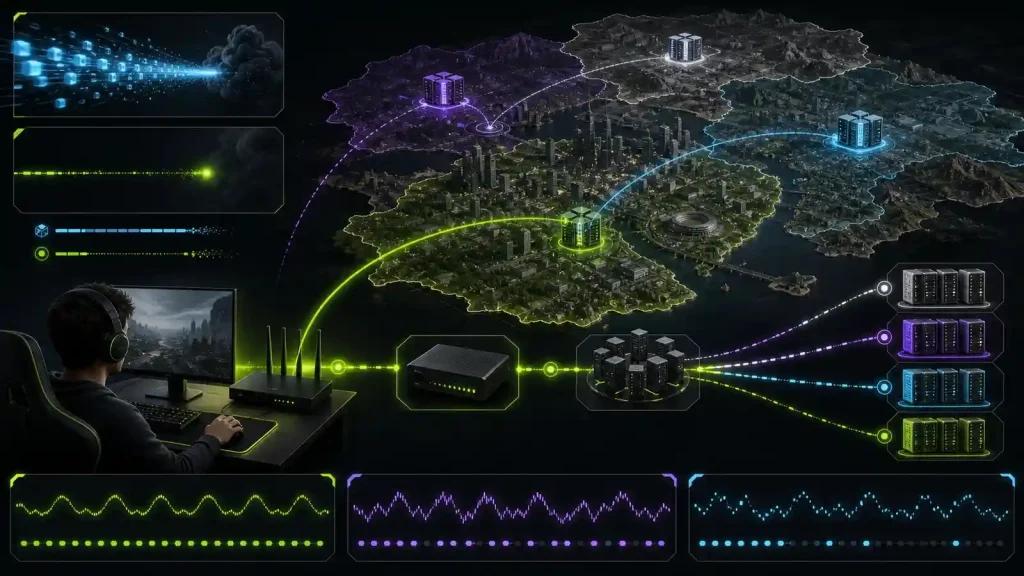
Figure 2. Connection baseline chart without assumptions about unconfirmed game features
Fix local instability before testing routes
Pause large uploads and updates. Prefer Ethernet. If Wi-Fi is required, reduce distance and interference. Update router firmware according to its manufacturer and change advanced settings only when their purpose and rollback are understood.
When an official online service exists, check Rockstar status first. If services are healthy, compare the same activity at similar times and record disconnects, delay variation, and loss. Do not copy ports or NAT instructions from another title.

Figure 3. Router and Ethernet setup ready for repeatable game-route testing
Readiness checklist
- Bookmark Rockstar's official product, support, and service-status pages.
- Remove unsupported mode, server, platform, and release claims from drafts.
- Establish an Ethernet baseline and a separate Wi-Fi result.
- Pause background uploads and record the time and ISP for each test.
- Keep router changes documented so each one can be reversed.
- Review connection monitoring only after an official destination can be tested.
When a route optimizer belongs in the plan
Route optimization becomes testable only when a real destination exists, service is operational, and local instability is excluded. It may improve an inefficient ISP path; it cannot confirm features, restore outages, or guarantee a target ping.
Frequently asked questions
Are GTA VI online features confirmed by search trends?
No. Search interest measures demand, not product specifications. Use Rockstar's official announcements and support pages for confirmed information.
Can I test GTA Online and predict GTA VI latency?
You can test your network discipline, but not future servers, architecture, matchmaking, or performance.
Should I open ports now?
No. Wait for official, platform-specific guidance. Unnecessary router changes can create security or connectivity problems and may not affect the game.
Keep a baseline, revisit this guide when Rockstar publishes applicable technical details, and test NoPing only against a confirmed online destination. Retain it only if repeated before-and-after measurements show an improvement.