

Before changing settings or trying different fixes, confirm that the issue is actually rubberbanding and not another type of performance problem.
Rubberbanding usually appears as the character being pulled backward, snapping sideways, or repeating part of a movement after the server corrects its position. It is fundamentally a synchronization issue between the client and the game server.
Other network and performance problems can look similar, but they have different causes:
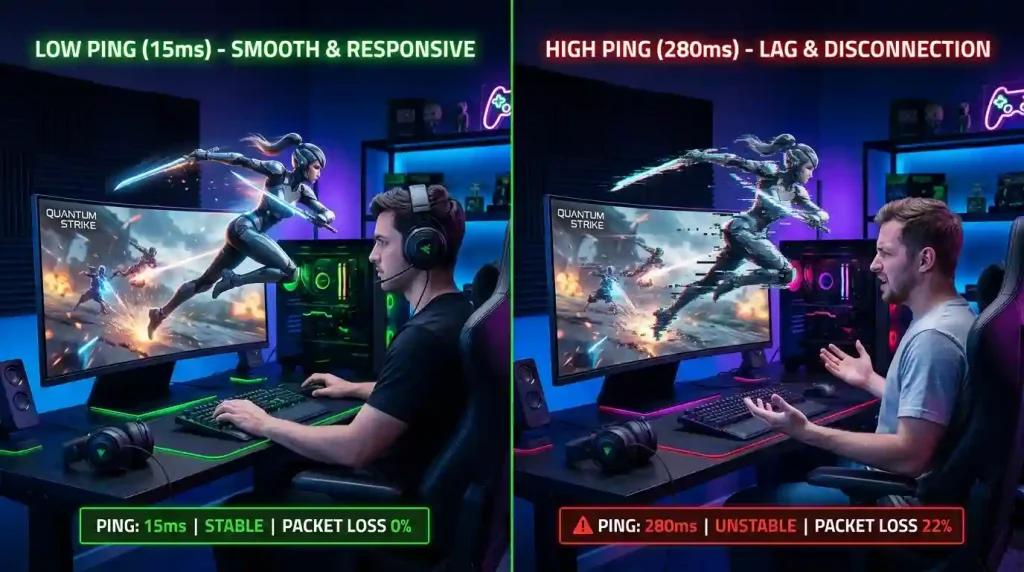
- High ping mainly creates delayed actions and slower response times.
- Jitter causes latency to fluctuate, making movement feel inconsistent.
- Packet loss or delayed packets can force the server to perform larger position corrections, producing classic rubberbanding.
- Low FPS makes gameplay appear choppy, but it does not normally move your character back to a previous server position.
Counter-Strike 2 includes network telemetry that can help identify what is happening during a match. Enabling telemetry while playing allows you to monitor metrics such as latency, packet loss, and connection quality as the issue occurs.
For a more reliable diagnosis, record a short gameplay clip with telemetry enabled. Comparing visible rubberbanding with spikes in packet loss, jitter, or latency provides much more useful information than running a generic internet speed test after the match has already ended.
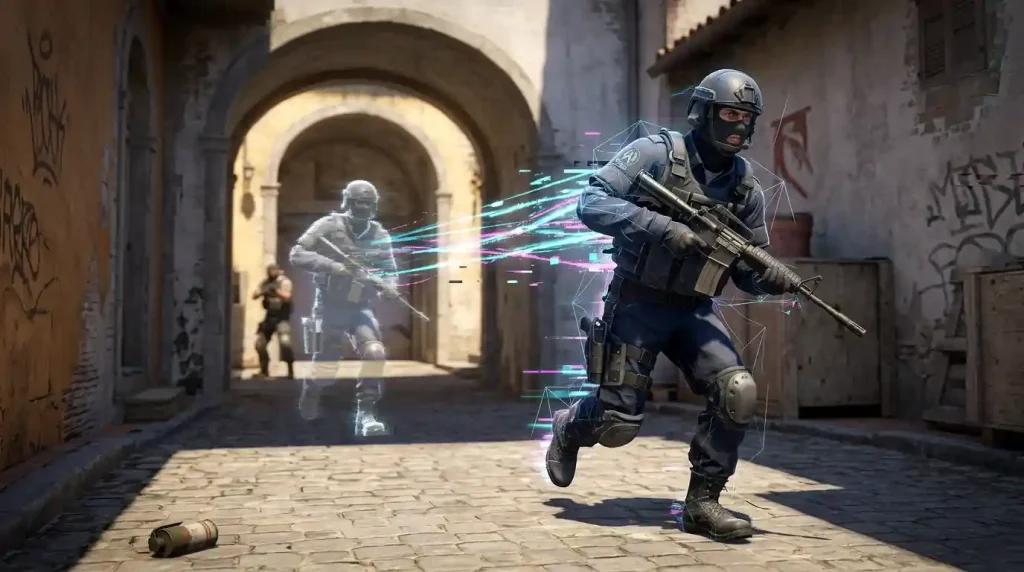
Check CS2 telemetry before making changes
Counter-Strike 2 provides built-in telemetry that helps distinguish connection problems from rendering issues.
If rubberbanding occurs together with spikes in packet loss or jitter, the problem is likely related to communication with the game server.
If network metrics remain stable while the game still appears to stutter visually, the issue is more likely related to frame times, graphics performance, or another local performance bottleneck rather than true rubberbanding.
Monitoring telemetry during multiple matches also helps determine whether the issue is consistent or only appears under specific conditions, such as certain servers or times of day.
Isolate the source of the problem
A systematic troubleshooting process makes it easier to identify whether the problem comes from your computer, your local network, your internet provider, or the game servers themselves.
Start by checking Steam's service status and recent reports for Counter-Strike 2. If teammates and opponents are experiencing the same movement corrections, the issue may be related to Valve's infrastructure rather than your own connection.
If the problem only affects your computer, perform the following checks:
- Connect your PC directly to the main router using an Ethernet cable.
- Pause uploads, downloads, cloud synchronization, and video streaming on your network.
- Restart the router only if it has been running for an unusually long time or is showing signs of instability.
- Test on official Valve servers and compare the results separately from community or third-party servers.
- If the issue started immediately after a game update, verify the integrity of the CS2 files through Steam. Keep in mind that this can repair corrupted game files, but it cannot resolve packet loss or routing issues.
If switching from Wi-Fi to Ethernet completely eliminates rubberbanding, improving your wireless network is usually more effective than changing game settings. On the other hand, if several devices connected to the same network experience packet loss at the same time, documenting when the problem occurs can help your internet provider investigate the connection.
Avoid common misconceptions
Many suggested fixes for rubberbanding do not address the underlying cause.
For example, changing your DNS server does not normally affect the network path used during an active Counter-Strike 2 match.
Likewise, lowering graphics settings may improve frame rate and frame-time consistency, but it does not prevent the server from correcting player positions caused by packet loss or unstable routing.
Similarly, disabling security software or using unofficial packet manipulation tools introduces unnecessary risks and is not considered a reliable way to diagnose or solve rubberbanding.
Focusing on measurable network conditions such as packet loss, jitter, latency, and server stability leads to much more accurate troubleshooting.
Compare routing solutions only after confirming a network problem
If your local network appears stable but repeated tests show recurring packet loss or jitter along your ISP's route to Counter-Strike 2 servers, testing an alternative routing solution may be worthwhile.
To make a fair comparison:
- test the same game server;
- play during similar time periods;
- use the same connection type (preferably Ethernet);
- compare multiple matches instead of relying on a single game.
This reduces the influence of temporary server conditions and provides more meaningful results.
Testing NoPing under controlled conditions
If your diagnostics indicate that the route between your ISP and Valve's servers is unstable, you can compare your normal connection with an optimized route.
For consistent testing:
- Record your baseline latency, jitter, and packet loss using your normal connection.
- Launch Counter-Strike 2 under the same conditions using NoPing.
- Play several matches on the same server region.
- Compare packet stability, jitter, and movement consistency rather than focusing only on average ping.
A routing optimizer may improve stability if the original ISP route is the source of the problem, but its effectiveness depends on the specific route being used. Results should be evaluated based on repeated improvements in packet loss, jitter, and server synchronization rather than on advertised maximum reductions.
If your testing consistently shows fewer position corrections, lower jitter, and improved packet stability when using NoPing, it may indicate that your original ISP route was contributing to the problem. If no measurable improvement is observed after several comparable tests, continuing to use the service is unlikely to provide additional benefits.
Pequenas alterações recomendadas no restante do artigo
Além das novas seções, eu faria alguns ajustes editoriais para aumentar a precisão técnica:
- Em "Check your internet connection", trocar "high-speed connections" por "high-bandwidth connections", pois velocidade contratada não garante estabilidade.
- Em "Run a packet loss test", mencionar também jitter, já que ele é um dos principais indicadores de rubberbanding.
- Em "Choose servers close to your region", acrescentar que menor distância reduz a latência, mas não elimina problemas de roteamento ou perda de pacotes.
- Na seção "A route optimizer can help reduce rubberbanding", evitar afirmações fortes como "can reduce latency and mitigate micro-disconnections" e reforçar que isso depende da qualidade da rota entre o ISP e os servidores da Valve.
- No FAQ, incluir uma nova pergunta:
Can jitter cause rubberbanding even with low ping?
Yes. Low average latency does not guarantee a stable connection. Large variations in latency (jitter) can delay packets unevenly, increasing the likelihood of server position corrections even when average ping appears low.