


Final Fantasy XIV can be CPU-bound in busy areas such as Limsa Lominsa, 24-player raids, and large events. In these situations, single-core CPU performance can affect frame rates more than the graphics card.
Windows 11 background processes
Game Bar, Xbox services, browser preloading, indexing, and updates can compete for CPU resources. Windows’ Balanced power mode can also limit performance under sustained load.
Ping spikes and frame rate are different problems
Low FPS affects how smoothly the game appears. Network spikes can delay inputs even when the frame counter is high. Players may experience both at once, but they have different causes.
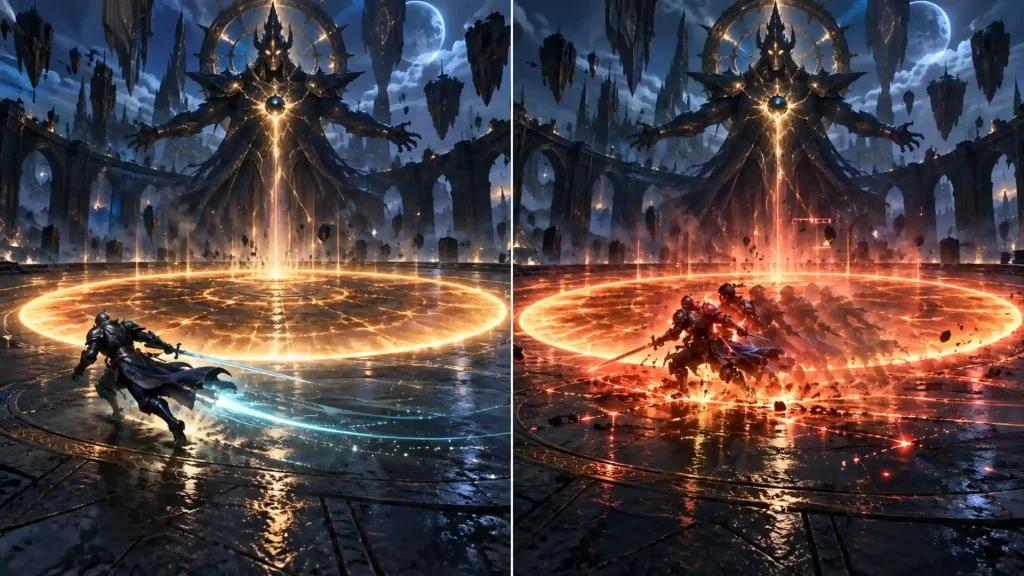
How Low FPS and Stuttering Affect Raids
Frame drops can disrupt ability timing
Combat relies on timed global cooldowns and weaving off-global-cooldown abilities. Sudden frame drops can make inputs feel delayed and disrupt ability timing.
Stability matters as much as peak FPS
A consistent frame rate is more useful in a raid than a higher average FPS that frequently drops during character or glamour loading.
Network spikes can delay inputs
If an ability does not appear to activate immediately, the cause may be a network delay rather than low FPS. Ping, jitter, and packet loss help identify connection problems.
How NoPing Can Help with FFXIV Performance
Boost FPS
Boost FPS reduces activity from selected background processes and adjusts the game’s process priority. Its potential benefit is most noticeable in crowded hubs, large instances, and other CPU-heavy situations.
Multi Connection
Multi Connection tests parallel routes to the game’s data center and selects a route for traffic. It may help reduce spikes caused by unstable ISP routing.
Multi Internet
Multi Internet supports up to six physical connections working at the same time. Using a wired connection alongside 5G home internet may help smooth latency when the wireless connection is unstable.
NoPing supports more than 3,000 games and has a reported user rating of 4.9/5. A one-day free trial lets players compare their connection and gameplay during a raid session. Results vary by ISP, location, server, and time of day.
FFXIV Data Centers, US ISPs, and Connection Stability
Aether, Crystal, Primal, and Dynamis serve players across North America. The best choice depends mainly on location and where a player’s group plays. ISP routing can affect latency, particularly during peak hours.
Comcast Xfinity, Spectrum, AT&T Fiber, Verizon Fios, CenturyLink, Cox, and T-Mobile Home Internet may have different routes and connection stability depending on the player’s region. T-Mobile Home Internet uses 5G fixed wireless access, which can have more jitter than a wired connection. Pairing it with a wired connection may help reduce severe spikes.
Frequently Asked Questions
Will NoPing get me banned in FFXIV?
NoPing is a network optimization tool. It does not need to modify game files or interact with the game’s memory. Players should follow Square Enix’s Terms of Service and use tools that do not alter gameplay.
Does Boost FPS increase frame rate in FFXIV?
It may improve frame-time stability and reduce some drops caused by background processes. The effect depends on the PC and what is limiting performance.
Which FFXIV data center should I choose in the US?
Choose based on your location and where your friends or raid group play. Aether, Crystal, Primal, and Dynamis serve different North American regions, but your actual connection also depends on ISP routing.
Can NoPing remove FFXIV’s built-in 0.5-second delay?
No. It cannot change the game’s server behavior. It may help reduce additional network spikes that make delays feel worse.
What should Comcast Xfinity users in the Northeast expect?
Connection quality varies by route and time of day. Compare ping, jitter, and packet loss during the hours you usually play.
Is NoPing useful with T-Mobile Home Internet?
It may help, especially when paired with a wired secondary connection through Multi Internet. Results depend on local 5G coverage and network conditions.
Should I turn off DX11 V-Sync?
It can help reduce input latency on a high-refresh-rate monitor. A frame-rate limiter can keep performance stable just below the monitor’s refresh rate.
Which in-game settings have the biggest impact?
Try Standard shadows, HBAO+ Standard ambient occlusion, Normal glare, water refraction off, movement physics for your character only, and “Often: All” for character quantity during raids.
NoPing and ExitLag: What Should FFXIV Players Compare?
Compare route quality, ping, jitter, packet loss, and connection stability to the same data center. Test each service under similar conditions, using the same ISP, server, and time of day. Advertised ping figures alone do not show how a connection will perform for every player.
Does an FPS boost in FFXIV depend only on internet speed?
No. FPS is affected by the PC and game settings. Connection quality depends on routing, jitter, packet loss, ISP peering, and server location.
How should I test NoPing with FFXIV?
Play under similar conditions before and after changing routes. Compare ping, jitter, and packet loss.
What connection issue is common for US players?
Routing between an ISP and the game’s data center can affect performance, even when internet speeds are high.
Can NoPing guarantee lower ping?
No. Results depend on your ISP, location, selected data center, and time of day.

Should I compare NoPing with ExitLag?
Compare measured route quality, jitter, packet loss, and stability under similar conditions.
Can anti-cheat block route optimization?
Use tools that do not modify game files, manipulate gameplay packets, or bypass anti-cheat protections.
What should I track besides ping?
Track jitter, packet loss, route changes, and latency spikes during gameplay.
When should I test a different route?
Test again if your connection becomes unstable or after changes to your ISP route or the game’s servers.