

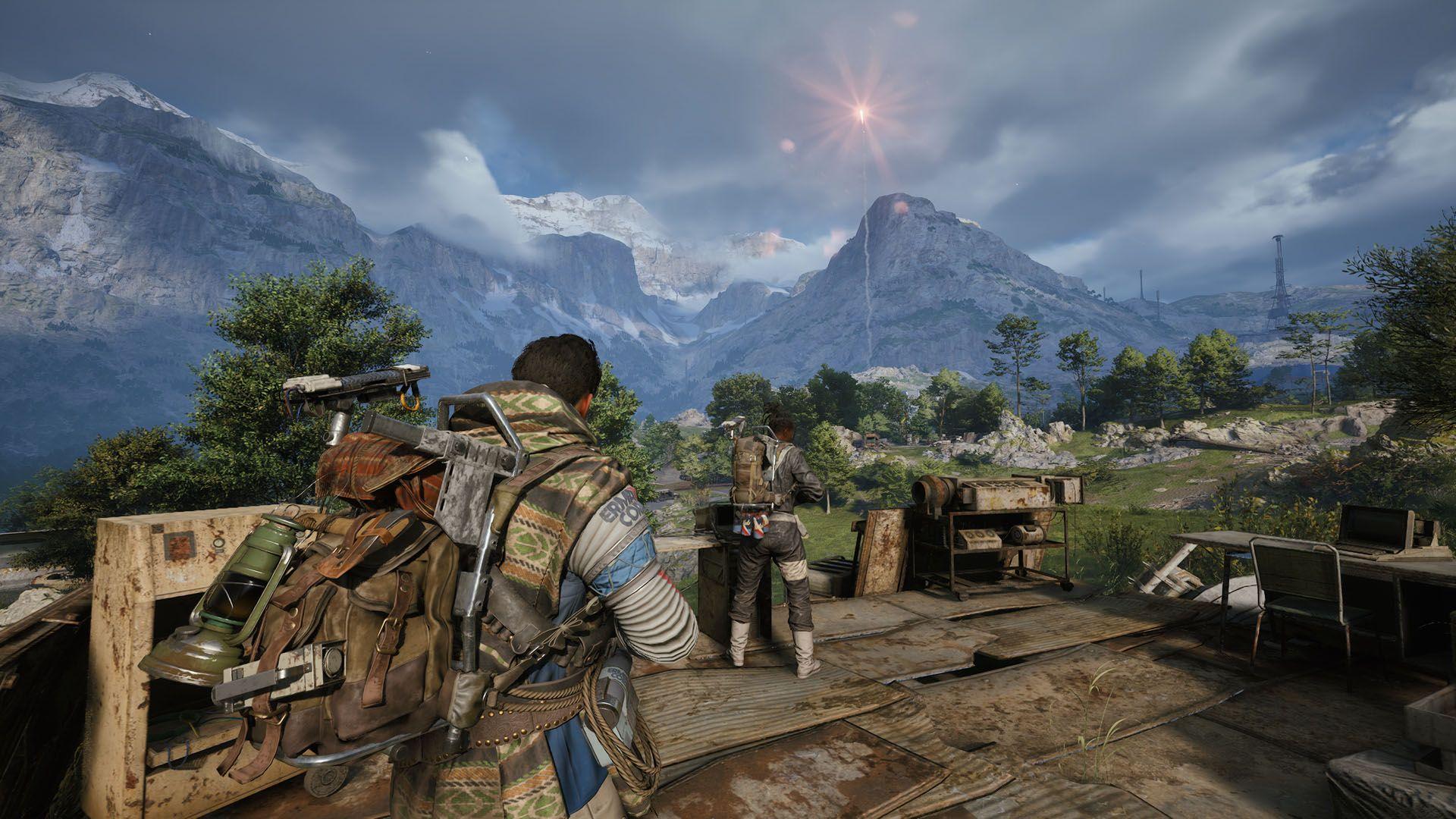
The best ARC Raiders strategies in 2026 focus on smart extraction decisions, strong positioning, audio awareness, efficient loot management, and knowing when to avoid unnecessary fights.
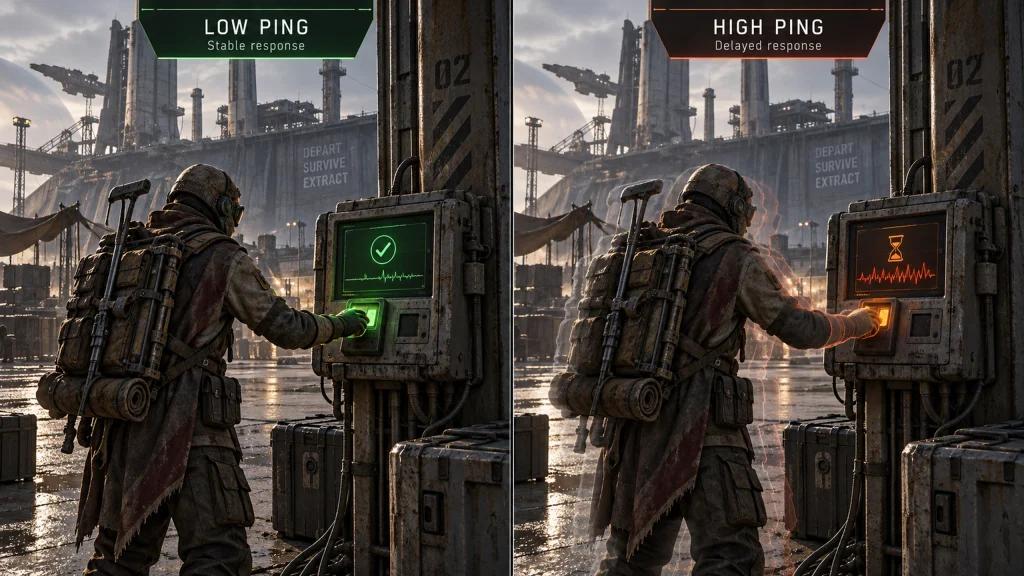
For US players, network stability can also affect competitive consistency. Ping spikes, jitter, and packet loss may interfere with movement, combat responsiveness, and critical extraction moments.
NoPing combines Multi Connection, Multi Internet, and Boost FPS to help players test more stable network routes and improve system performance where applicable.

What Separates Consistent Players From Average Survivors?
Experienced players should focus on:
- Choosing fights based on risk versus reward.
- Using cover before committing to open areas.
- Learning high-traffic and safer extraction zones.
- Managing valuable loot without becoming too greedy.
- Paying attention to positional audio.
- Monitoring ping, jitter, and packet loss.
- Extracting when the objective is complete instead of extending every raid.
Why the Meta Matters in ARC Raiders
ARC Raiders combines PvP and PvE encounters with an extraction-based risk-and-reward system. Mechanical skill matters, but consistently successful raids also depend heavily on decision-making.
Understanding the current meta means knowing:
- Which loot is worth risking a run for.
- Where enemy encounters are more likely.
- When to fight or disengage.
- How to approach extraction points.
- Which equipment provides the most reliable survival value.
Because balancing and player behavior can change after updates, players should regularly reassess their strategies instead of relying permanently on one route or tactic.
Best ARC Raiders Meta Tips for US Players
Macro Strategy: Know When to Fight and When to Extract
Newer players should avoid repeatedly entering the most contested areas.
Start with lower-risk routes, collect useful loot, and prioritize successful extractions. Once you understand the map and encounter patterns, gradually introduce more aggressive strategies.
Track your own results by asking:
- Where do you extract most consistently?
- Which locations cause the most deaths?
- Are you losing fights or getting caught by additional squads?
- Are longer raids actually producing better returns?
Your personal extraction data can be more useful than blindly following a popular strategy.
Micro Mechanics: Use Cover Before Speed
Avoid sprinting into exposed areas without information.
Use cover to move between positions and reduce unnecessary exposure during fights. When checking corners, minimize how much of your character is exposed.
Reloading should also happen from protected positions whenever possible.
A simple rule works well:
Cover first, information second, aggression third.
Loot Economy: Don't Lose a Good Raid Chasing a Perfect One
High-value loot can be tempting, but additional time spent searching increases exposure to other players and PvE threats.
A reliable extraction with useful mid-tier resources can provide better long-term progression than repeatedly losing everything while chasing maximum-value loot.
Prioritize:
- Medical resources.
- Equipment you actually need.
- Valuable items with a clear purpose.
- Inventory space for meaningful upgrades.
Avoid carrying unnecessary duplicates when they increase the cost of dying.
Audio Awareness: Listen Before You Move
Positional audio can provide important information about nearby activity.
A good headset can make it easier to identify:
- Movement.
- Reloads.
- Equipment sounds.
- Combat nearby.
- Ability or interaction cues.
When you hear suspicious activity, gather information before exposing your position.
How Ping, Jitter and Packet Loss Can Affect ARC Raiders
Internet speed alone does not determine online gaming responsiveness.
Players should distinguish between:
- Ping: the time required for data to travel between the player and server.
- Jitter: variation in latency over time.
- Packet loss: data that fails to reach its destination correctly.
- Routing: the network path used to reach the game infrastructure.
Instability may become noticeable during fast combat interactions, movement, and other timing-sensitive moments.
Why US Players Can Get Different Results on the Same Server
Network performance depends on factors such as:
- Physical location.
- ISP routing.
- Server region.
- Network congestion.
- Time of day.
- Wi-Fi conditions.
- Current route between the ISP and game infrastructure.
Two players with similar advertised internet speeds can therefore experience very different latency and stability.
ARC Raiders Connection Issues on Major US ISPs
Comcast Xfinity
Players experiencing peak-hour instability should compare ping, jitter, and packet loss at different times of day.
If the direct ISP route becomes inefficient, testing an alternative route may improve consistency.
Spectrum
Cable connections can experience upstream congestion and jitter, particularly during busy periods.
Instead of focusing only on average ping, monitor latency variation and packet loss during actual matches.
AT&T Fiber and Verizon Fios
Fiber connections can provide strong local network conditions, but good access technology does not guarantee that every route to every game server will always be optimal.
Route testing can still identify differences between network paths.
T-Mobile Home Internet
Fixed wireless connections can experience latency variation as radio conditions and network congestion change.
Players with access to more than one internet connection can test whether combining available connections provides better stability for their setup.
CenturyLink / Quantum Fiber, Cox and Optimum
Performance varies by location and network path. Test the actual ARC Raiders connection instead of assuming that advertised ISP speed determines gaming performance.
How NoPing Can Help Stabilize Your ARC Raiders Connection
Multi Connection: Test Multiple Network Routes
NoPing Multi Connection uses up to five connection routes to help optimize the path between the player and game infrastructure.
This can be useful when the ISP's default route suffers from:
- Unnecessary network hops.
- Congestion.
- Latency spikes.
- Jitter.
- Packet loss.
- Inefficient peering.
Results vary according to ISP, location, server, and current network conditions.
Multi Internet: Use Multiple Connections
Multi Internet supports up to six internet connections simultaneously.
Depending on the player's available connections and configuration, this can provide additional network stability when one connection experiences fluctuations.
This can be particularly relevant for setups combining technologies such as wired broadband and mobile or fixed wireless internet.
Boost FPS: Address Local Performance Separately
Network latency and FPS are different performance problems.
Boost FPS focuses on local system optimization by reducing unnecessary background resource usage where applicable.
This can help when the PC itself is contributing to inconsistent frame performance, but it does not fix server outages or poor internet routing.
Ping vs Jitter vs Packet Loss vs FPS: What's the Difference?
Does Lower Ping Automatically Mean a Better ARC Raiders Connection?
No.
A connection with slightly higher but stable latency can sometimes feel more consistent than one with a lower average ping that constantly spikes.
Players should monitor several metrics together:
- Average ping.
- Ping spikes.
- Jitter.
- Packet loss.
- Route stability.
- FPS and frame-time consistency.
This provides a more complete picture than looking at one ping number.
How to Test NoPing With ARC Raiders
Use a controlled before-and-after comparison.
Step 1: Establish a Baseline
Play several matches without route optimization and record:
- Ping.
- Jitter.
- Packet loss.
- Major latency spikes.
- Extraction success.
- Noticeable connection instability.
Step 2: Test an Optimized Route
Activate NoPing and repeat similar matches under comparable conditions.
Whenever possible, keep the same:
- Server region.
- Game mode.
- Internet connection.
- Time period.
- Background applications.
Step 3: Compare the Results
Evaluate whether there was a measurable improvement in:
- Connection stability.
- Jitter.
- Packet loss.
- Ping spikes.
- Overall responsiveness.
A larger sample is more reliable than judging performance from a single match.
ARC Raiders Extraction Strategy: How to Survive More Raids
Scout Before Committing to Extraction
Approach extraction areas using available cover and gather information before committing.
Avoid remaining unnecessarily exposed near an extraction point.
Don't Stay Longer Just Because You're Winning
One successful fight does not mean you need another.
If you already have valuable resources and a reasonable extraction opportunity, protecting the current raid can be more valuable than chasing another engagement.
Carry Enough Healing Resources
Survival resources should generally take priority over situational equipment when inventory space is limited.
The ideal loadout depends on your strategy, but carrying enough healing to recover from multiple encounters improves flexibility.
Watch for Third-Party Engagements
Long fights can attract attention.
After an engagement:
- Recover quickly.
- Reload.
- Reposition.
- Reassess nearby activity.
- Decide whether the remaining loot justifies staying.
When Should You Change Your NoPing Route?
Retest your route when:
- Ping suddenly increases.
- Jitter becomes noticeable.
- Packet loss appears.
- Your ISP experiences instability.
- Game infrastructure changes.
- A major update changes network behavior.
- A previously stable route becomes inconsistent.
The best route is not necessarily permanent.
NoPing vs ExitLag for ARC Raiders
NoPing and ExitLag should be compared using measurable network performance rather than advertised ping numbers alone.
Compare:
- Average ping.
- Jitter.
- Packet loss.
- Stability during matches.
- Route consistency.
- Performance during peak hours.
No routing service can guarantee that every player will receive lower ping. Results depend on the player's ISP, location, game server, and current internet conditions.
The most reliable approach is to test the services under similar conditions and compare the results.
Technical Note: What Route Optimization Can and Cannot Fix
Route optimization can help when the problem exists somewhere along the network path between the player and game infrastructure.
It cannot directly fix:
- CPU bottlenecks.
- GPU limitations.
- Overheating.
- Poor local Wi-Fi coverage.
- Game server outages.
- Problems inside the game client itself.
Diagnosing the correct problem before changing settings prevents players from treating every performance issue as a ping problem.
Try NoPing With ARC Raiders
Players experiencing unstable routes can test NoPing with ARC Raiders and compare their connection before and after optimization.
NoPing offers:
- Multi Connection with up to 5 routes.
- Multi Internet with support for up to 6 connections.
- Boost FPS.
- Support for 3,000+ games.
- 1-day free trial.
Measure the results instead of relying on a single match. Compare ping, jitter, packet loss, and overall stability under similar conditions.
FAQ: Best ARC Raiders Tips, Ping and NoPing
What Is the Best ARC Raiders Strategy for Extracting Valuable Loot?
Prioritize consistent extractions instead of maximum loot every raid. Learn traffic patterns, approach extraction points from cover, and avoid unnecessary engagements after securing valuable resources.
Does Being Good at ARC Raiders Depend Only on Internet Speed?
No. Player skill and strategy remain fundamental, while network performance depends on factors including latency, jitter, packet loss, routing, and server region. Raw download speed alone does not determine gaming responsiveness.
Should I Prioritize Meds or Utility?
Survival resources are generally a strong priority. Your exact inventory should depend on the raid objective and playstyle rather than following one fixed loadout.
How Can I Avoid Getting Eliminated by Third Parties?
Keep engagements short when possible, reposition after fights, and avoid remaining exposed while looting. Scout extraction areas before committing.
How Should I Test NoPing for ARC Raiders?
Compare multiple matches before and after activating route optimization. Keep conditions as similar as possible and monitor ping, jitter, packet loss, and connection stability.
Can NoPing Guarantee Lower Ping?
No. Results depend on your ISP, location, server region, network conditions, and time of day. Route optimization is most useful when an alternative path performs better than your ISP's default route.
What Should I Monitor Besides Ping?
Monitor jitter, packet loss, latency spikes, and route stability. For PC performance problems, also monitor FPS and frame times.
Does Route Optimization Modify ARC Raiders Game Files?
Route optimization works on the network path rather than changing gameplay mechanics. Players should always use supported software configurations and avoid tools designed to manipulate game files or bypass anti-cheat systems.
Does Boost FPS Reduce Ping?
No. Ping and FPS are different metrics. Boost FPS targets local system performance, while route optimization addresses network-path conditions.
When Should I Test Another Route?
Retest after ISP instability, major game updates, infrastructure changes, or whenever a previously stable route begins showing higher jitter, packet loss, or latency spikes.